



Reporting and compliance
without the hassle
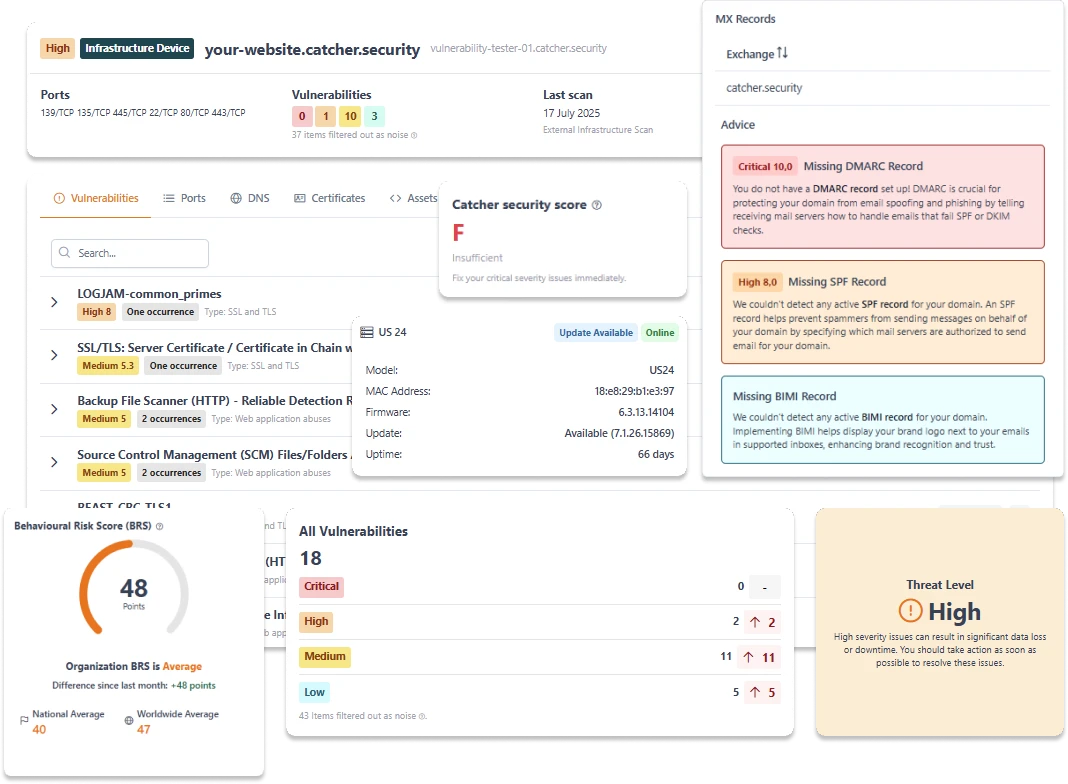
Ditch the manual spreadsheets. Catcher24 automatically tracks your external attack surface, providing developer-ready remediation context and exportable audit logs to satisfy strict compliance requirements.
Trusted by companies and organizations from various sectors: Catcher24 offers practical insights that are directly applicable.


Report on your organization
Security is a continuous process, and stakeholders need proof. Catcher24 allows you to export comprehensive vulnerability data instantly. Track your mitigation progress over time, maintain historical scan logs, and easily fulfill the external scanning requirements for frameworks like SOC 2, ISO 27001, and PCI-DSS - without the manual overhead.


What's included in your dashboard?
A developer-centric interface designed to filter the noise, prioritize critical threats, and track your resolution workflow.
Dashboard
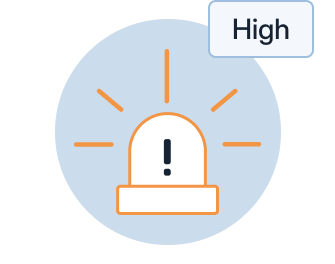
Real-time threat alerts
Instantly visualize your security posture. Vulnerabilities are grouped by strict CVSS severity scoring (Critical, High, Medium, Low), allowing your operations team to triage high-risk CVEs first.

Scheduled reports
Automated scan schedules
Set it and forget it. Schedule daily or weekly scans against your staging pipelines and infrastructure to catch misconfigurations before they reach production environments.
Custom dashboards
Customized insight
Not every company needs the same information. Customize your own dashboard with the statistics and notifications that are relevant to you. This way, you always present exactly what matters, no more and no less.

Why insight in your cybersecurity is this important
Visibility is the foundation of defense. Unpatched vulnerabilities in your staging pipelines or external perimeter are the primary entry points for automated botnets and targeted attacks.

Receive notifications when new vulnerabilities are discovered.

One central dashboard with all information.

Less work, more certainty.
Our intergrations
Embed vulnerability management directly into your active incident response workflows. We push the alerts to where your engineers already work.
Native Slack Alerting
Push prioritized threat alerts directly to specific developer channels. Get notified instantly when a critical CVE is detected on your infrastructure, web apps, or WordPress sites.
Microsoft Teams Webhooks
Automatically notify your IT operations center. Route detailed vulnerability context and severity scores straight into your dedicated Teams workspaces to initiate immediate triage.
Frequently asked questions
Yes. You can customize your dashboard to see only the statistics, notifications, and risks that are relevant to your organization. This allows you to present exactly what matters to you.
The data is continuously updated, so you have insight into the latest vulnerabilities, updates, or changes. You will also receive notifications when new vulnerabilities are discovered.
This depends on the package you purchase from Catcher24. For some customers, it may be part of the standard offering; for others, it may be an additional module or part of managed services through partners. For specific details, please consult the pricing/package information or contact us.
Yes. The dashboard provides trends over time: which vulnerabilities have been resolved, which risks have been (temporarily) accepted, and how the overall security score is developing.
Yes. You can customize your webhook triggers based on severity. For example, to prevent alert fatigue, you can configure the system to only ping your main DevOps channel for "High" and "Critical" CVSS alerts, while logging "Low" severity findings silently in the dashboard.




Improve your cybersecurity today
Start your free trial now and discover what Catcher 24 can do for your company. No credit card required, no installation. Just real insight into your real risks.
No credit card · 10-day trial · Setup in minutes
